Content rights
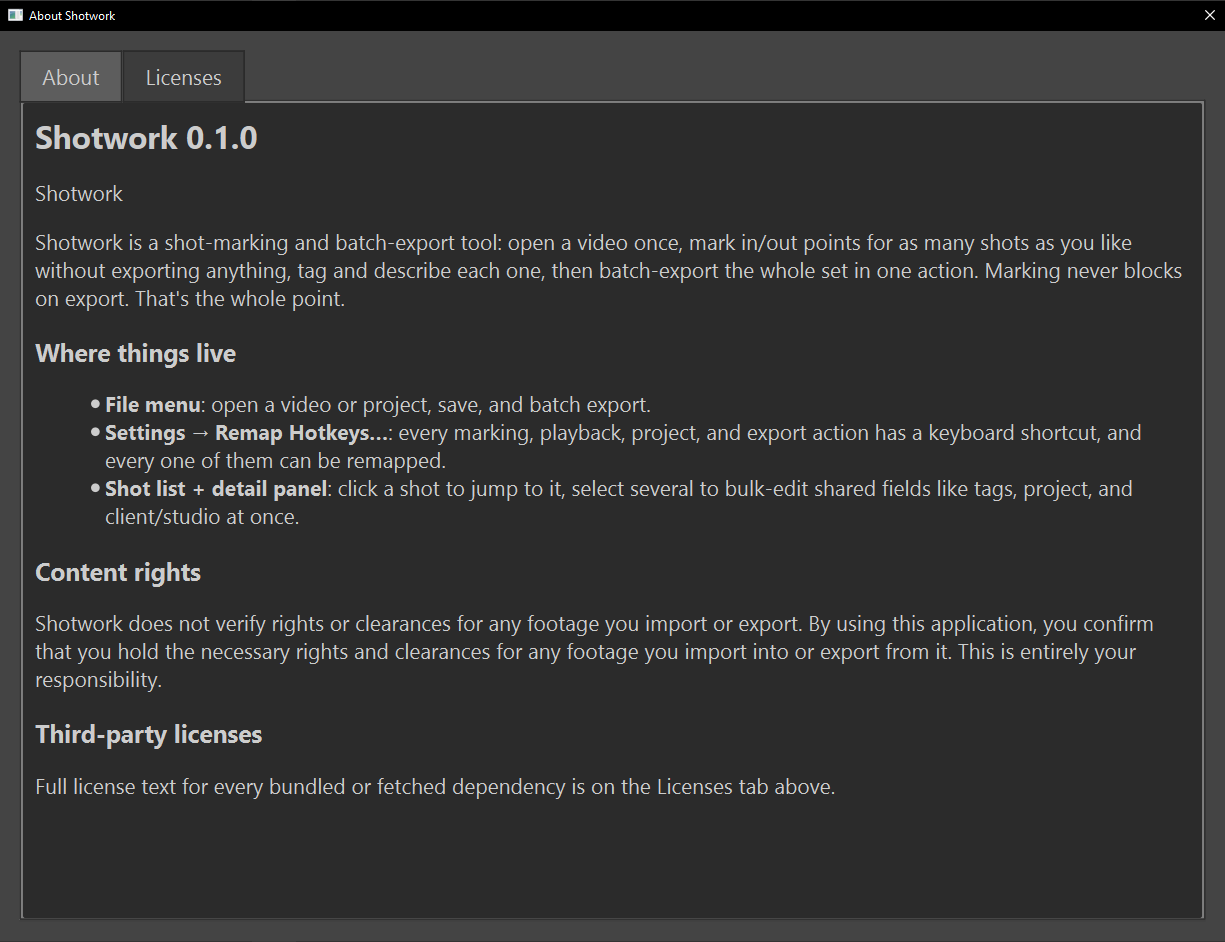
Shotwork shows this notice in the About Shotwork panel the first time it opens, and it stays there under Help › About Shotwork…:
Shotwork does not verify rights or clearances for any footage you import or export. By using this application, you confirm that you hold the necessary rights and clearances for any footage you import into or export from it. This is entirely your responsibility.
What it means in practice
- Shotwork never checks rights. It does not know who owns footage, whether a studio has cleared work for your reel, or what a contract allows. Nothing Shotwork does, or does not warn about, says that something is cleared.
- Restricted is your own record. Restricted (not cleared for public use) marks a decision you made about a shot. Shotwork respects it wherever a shot could leave: it asks before a reel export, holds restricted shots back from draft reels and AI assistants unless you ask for them, and keeps their identifying fields off overlays. See Restricted.
- An unmarked shot is not a cleared shot. If you never marked it, Shotwork has nothing to go on.
- What you export is yours to control. An exported clip's metadata file records the restricted flag, but once a file leaves your computer, Shotwork has no say over it.
Related
- First launch, where the notice first appears.
- Describe a shot for marking a shot restricted.
- Licenses for the software Shotwork is built on.