First launch
The first time Shotwork opens it shows a rights notice. Read it before you mark anything: it is the one thing on this page that is about you rather than about the software.
The rights notice
Shotwork opens the About Shotwork panel automatically the first time it runs, on its About tab. Read the Content rights section:
Shotwork does not verify rights or clearances for any footage you import or export. By using this application, you confirm that you hold the necessary rights and clearances for any footage you import into or export from it. This is entirely your responsibility.
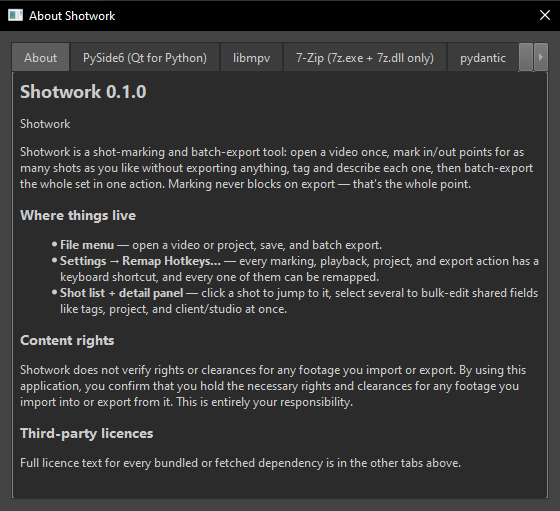
Close the panel to continue. It does not appear again on later launches, and you can reopen it at any time from Help › About Shotwork…. The full license text for every component is next to it, under Help › Licenses….
The two components
The first time you open a video, and the first time you export, Shotwork offers to download libmpv and ffmpeg. Nothing is fetched until you choose Download. Install Shotwork covers both dialogs and where the files end up.
Related
- Install Shotwork if you have not got it running yet.
- Marking shots names the regions you are about to work in, then puts them to use.